Sort photos into folders automatically
Chaos in. Order out.
MIRA sorts up to 10,000 photos into real folders, by trip, occasion and year. Duplicates and blurry shots are cleared out.
From chaos to order. In minutes.
MIRA organizes your photos into folders automatically. You fine-tune the result.

45-second demo
Fast
Minutes, not hours
1,000 photos sorted into folders before your coffee gets cold.
Flexible
You stay in control
Not happy with a folder? Just tell MIRA what to change and it is done.
Private
Your photos stay yours
Originals stay on your computer. MIRA only uploads small previews.
Sound familiar?
Your photo library is a mess.
And it annoys you.

Everything in one folder.
Kids, dog, vacation, documents, all mixed together. You gave up long ago.

All your selfies in one folder.
Scattered across trips, parties, and everyday life. MIRA finds every single one.

Every trip mashed together.
Mountains, beaches, cities, all mixed. MIRA splits them by trip.
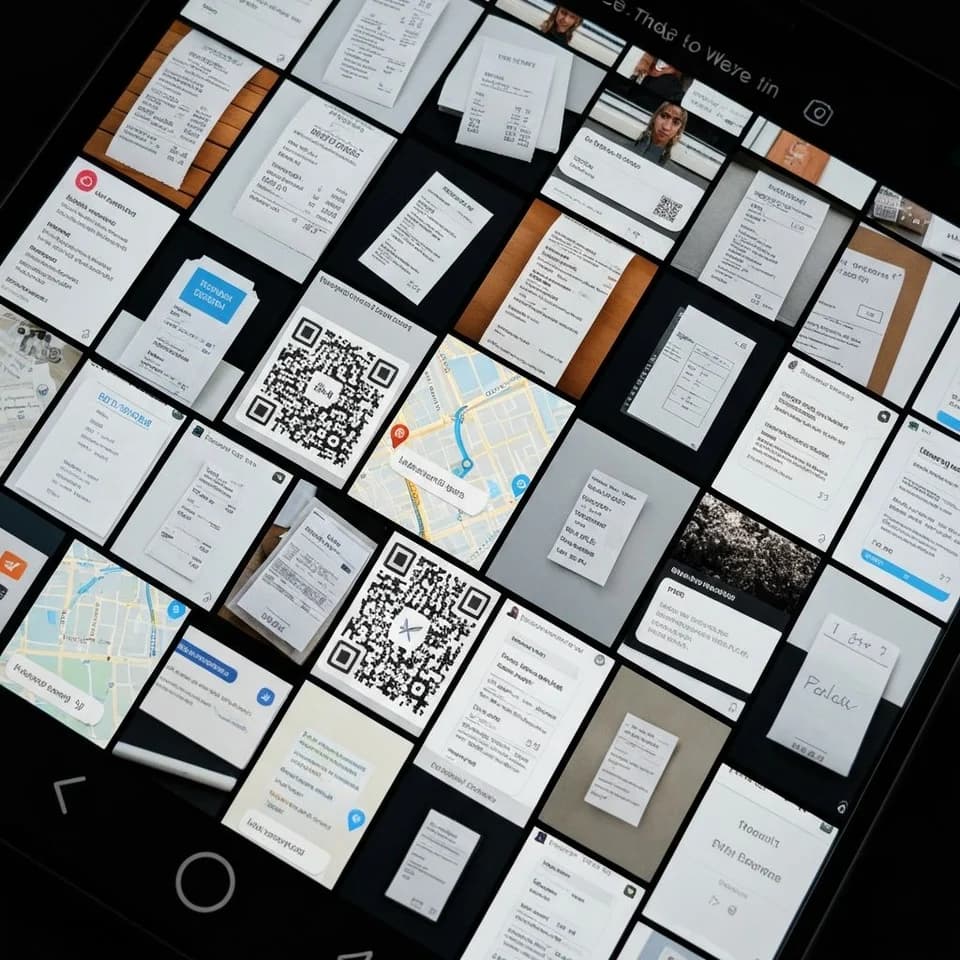
Receipts. Memes. QR codes.
Screenshots still cluttering your main gallery. Tucked away, without lifting a finger.
MIRA handles all of this. So you don't have to.
End the photo chaosSort the way you want
Tell MIRA what to do, in plain words.
Not happy with the sorting? Tell MIRA how you want it sorted. She understands your instruction and re-sorts immediately.

No more 8 near-identical shots
MIRA picks the best photo.
MIRA scores similar shots and suggests the best one. Take the suggestion or pick another.


Trash out, gallery clean
Junk photos? MIRA spots them automatically.
Screenshots, memes, receipts, QR codes land in "Other". Blurry and duplicate shots go to trash. You keep only the real memories.
Features
Full-text search
Find any photo in seconds. Filter by selfies, quality, or subject.
Sorted by place and date
Detects place and time automatically. Your photos land chronologically in the right folder.
Always reversible
Wrong folder? Move or re-sort. You always have the final say.
Ready to use
ZIP or folder structure. Works on any device and in multiple languages.
No more IMG_2048.jpg.
Every photo gets a name you can actually understand.
2024-0315-beach.jpg2024-0315-beach-thailand.jpg2024-0315-203022-beach-thailand-sunset.jpgYou choose your format when you export.
The result
1,847 photos turn into 16 folders.
Readable names. Ready for iCloud, backup, or sending.



What MIRA does differently
- Real folders on your computer, not albums inside an app.
- Folders by occasion, like “Ceremony on Lake Garda” or “2021 Santorini holiday”.
- Duplicates and blurry shots are set aside, screenshots go to “Other”.
- Re-sort with one sentence: “Sort by country”.
- Sort up to 1,000 photos free, pay only when you export.
- File names you can read, like “2016-0814-tuscany-beach.jpg”.
Clear pricing. No subscription.
MIRA Web
Up to 1,000 photos
- Try it in your browser, no install
- Up to 20 instructions
- Sorted while uploading
- Try first, pay when you export
- Export as real folders, ready to use
- Originals stay on your computer
MIRA Desktop
Up to 10,000 photos
- App for Mac and Windows
- Up to 30 instructions
- Whole archives in one go
- Try first, pay when you export
- Export as real folders, ready to use
- Originals stay on your computer
Not happy with the results? Write to us within 14 days. We look at every case and find a fair solution.
Questions?

Who's behind MIRA
I'm Simon, the developer of MIRA. After three months in Southeast Asia I had 1,847 photos on my memory card, and I knew I'd never sort them myself. That's how MIRA started.
How I sorted 1,847 travel photos in 4 minutesReady to end the chaos?
Free to try. No subscription.
Try for freeTry first, pay only when you export · You stay in control